
PhotoImage outputGuided
Old Photo Restore — ChatGPT Prompt
Repair scratches, fade, and dust on a family photo without inventing a new face. Why it matters: old photos deserve care without fake details.
Scanned · no issuesReady to use
Prompt
Restore and finish this photo for the use case: ChatGPT Prompt for Old Photo Restore.

Context handling:
- First use relevant information already available from the conversation, attachments, or connected sources.
- Do not ask me to repeat details you already have.
- If a required detail is missing, ask one short follow-up.
- State important assumptions. Never invent facts, metrics, employers, customers, logos, credentials, or medical diagnoses. Use [METRIC NEEDED] or [needs proof] when evidence is missing. Educational framing only — not professional, legal, or medical advice.

FACE LOCK (non-negotiable when a face is present):
- Preserve exact facial structure, face shape, eyes, brows, nose, lips, jawline, skin tone, age cues, hairline, and hairstyle.
- Do not beautify, slim, reshape, age, de-age, symmetrize, or replace the face.
- Keep natural pores, fine lines, hair strands, and realistic skin texture. Avoid waxy/plastic skin.

Job: Restore a damaged or faded photograph. Repair defects only. Keep identity.

Defaults:
- Damage / scan notes: {{notes}}
- Color / finish: {{finish}}
- Crop / framing: {{crop}}

Rules:
- Repair scratches, dust, tears, and fade without inventing a new person.
- If colorizing, use historically plausible tones; do not invent uniforms, medals, or jewelry that are not in the source.
- Output a single restored still. Produce the final image only.
Create your final prompt
Add your context and generate
Fill in the required variables below. Optional variables can be left blank and will remain as placeholders.
Damage / scan notes
Color / finish
Crop
Published example
Sample image output
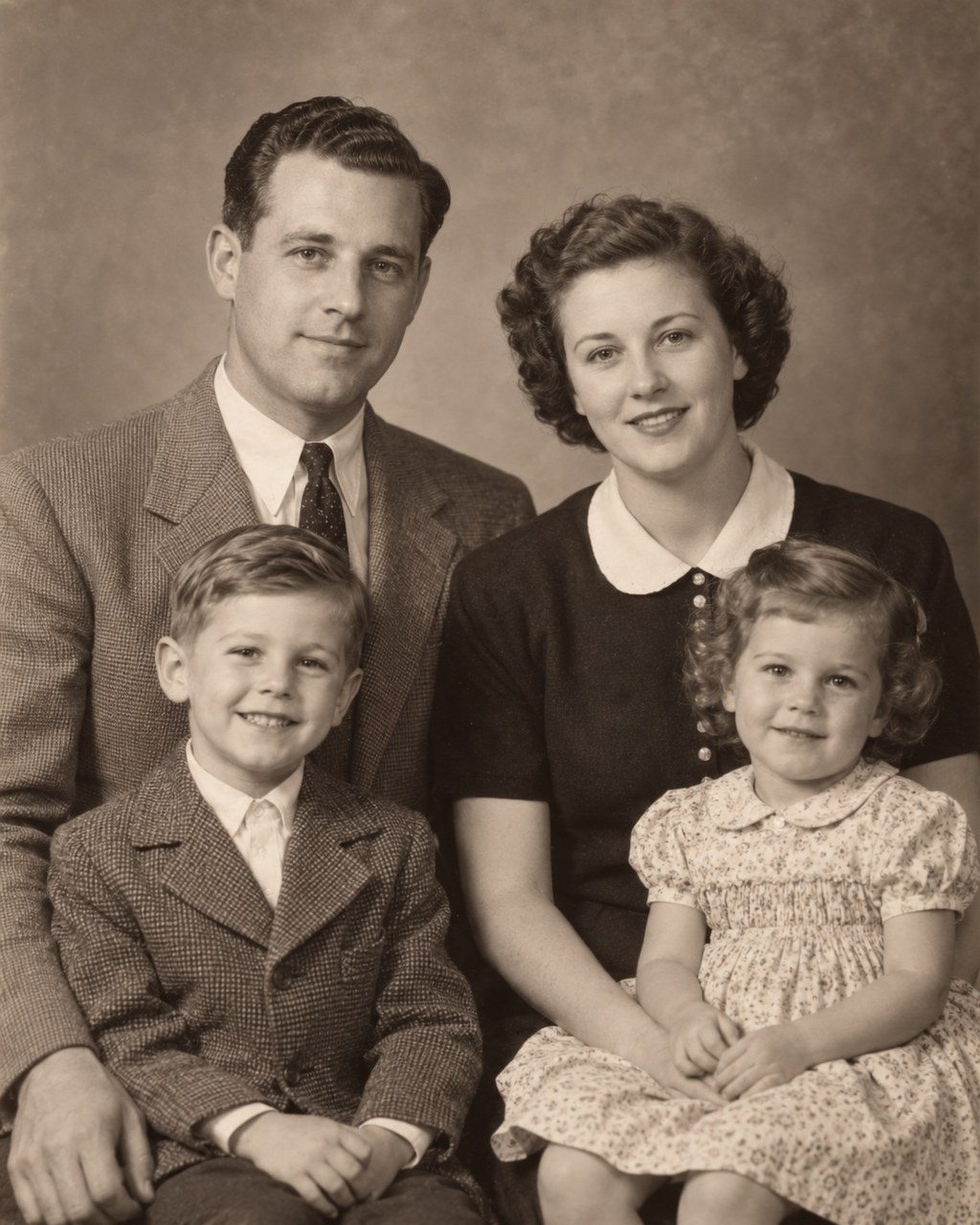
Restored still, same people, fewer defects.
Example context
Example input
Upload scan. Notes: scratch on jacket; keep B/W.
Old photo restoration prompts
More in this series
Keep exploring
Discussion
Comments (0)
Sign in to leave a comment.
Loading comments…